AI features
The AI reads your drawing set and drafts a construction schedule, and three assistants answer questions inside a project. The AI reads only what the person using it is allowed to see and never approves, certifies, releases or closes anything. AI use per month depends on the plan, and an AI provider must be switched on for your workspace.
Schedule from drawings
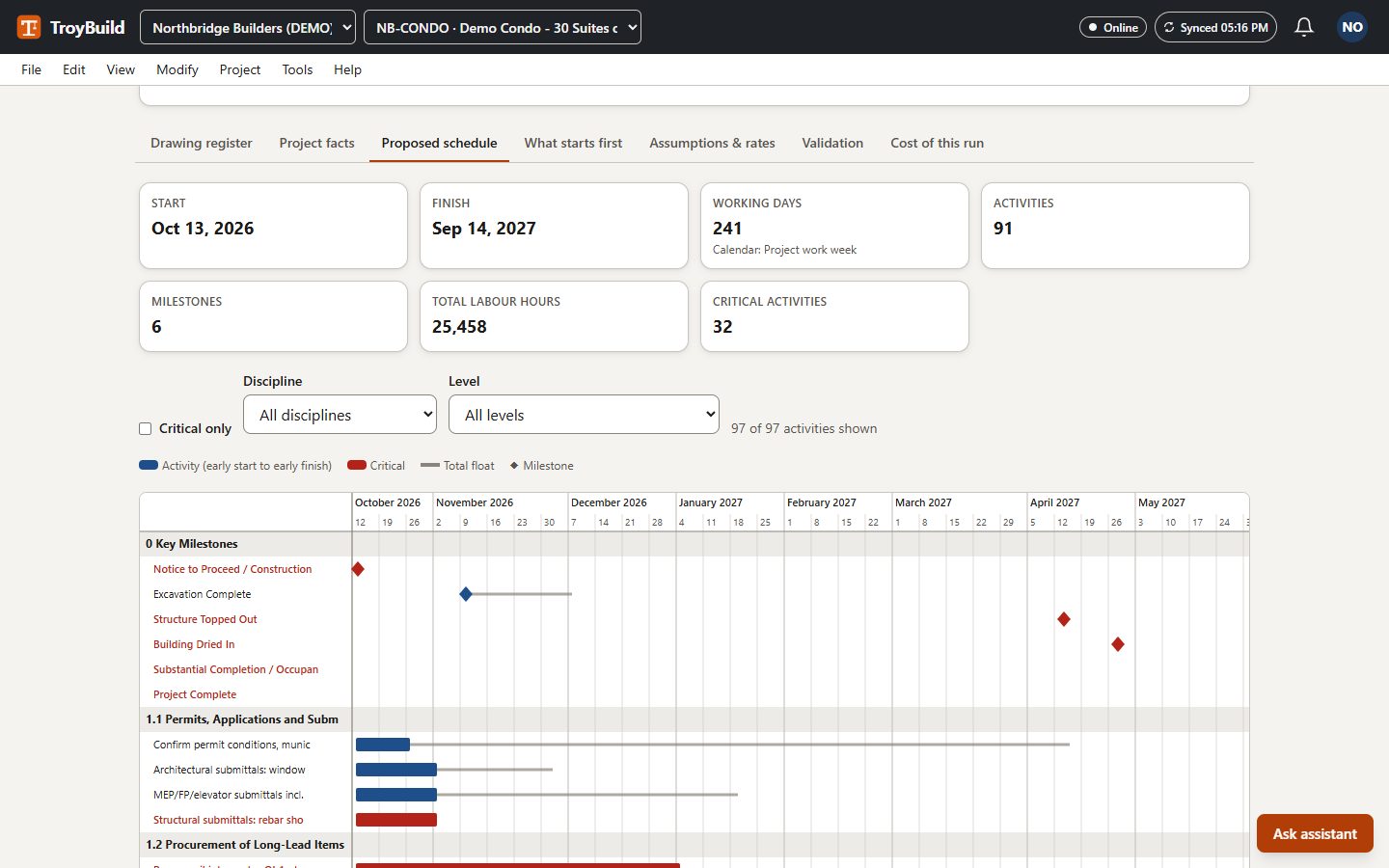
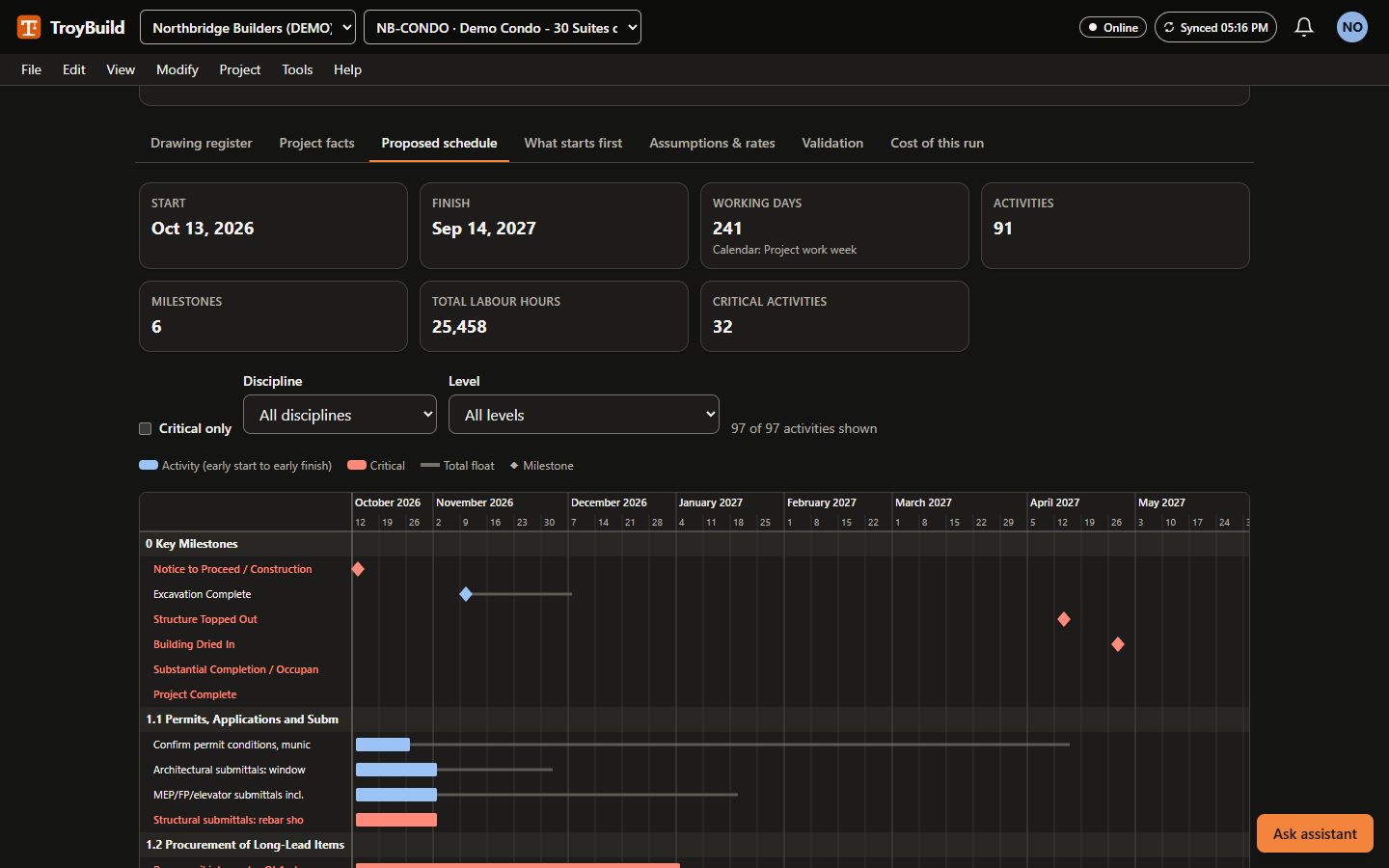
Professional and upUpload the whole drawing set (architectural, structural, civil, mechanical, plumbing, fire protection, electrical). The AI reads every sheet and records what it found with the sheet number behind every fact, then proposes phases, activities, logic links and milestones and calculates the critical path. Durations come from quantities in the drawings and your production rates (or built-in example rates), with labour hours. It explains which work starts first and why, and lists long-lead items and the likely finish-date drivers.
You see the estimated AI cost before it starts. The result is a draft: nothing is written to the schedule until a person accepts it.
Demo example: a 37-sheet set for a three-storey, 30-suite wood-frame condominium over a concrete parkade became a draft of 91 activities, 6 milestones and 174 logic links.
Note: a draft for a qualified scheduler to review, not a validated schedule.
Assistants
Project Coordination Agent
Answers questions about a project's schedule, open items and records, and drafts follow-ups for a person to send.
Commercial and Procurement Agent
Explains contracts, changes, billing and procurement. Amounts come from the product's own records, never from the model.
Site Quality and Safety Agent
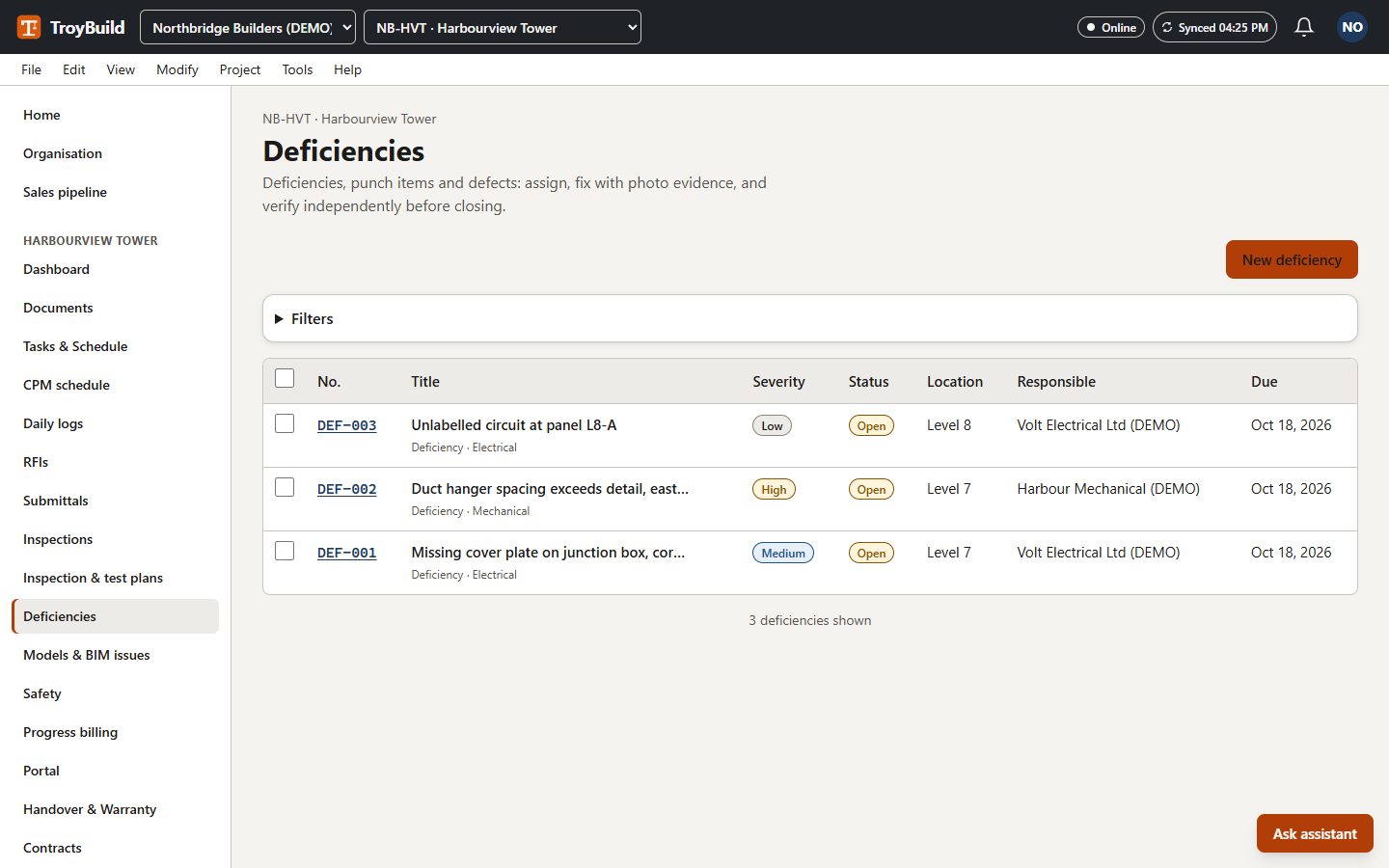
Helps with inspections, deficiencies and safety records. It cannot certify, release or close anything.
Answer quality depends on the AI model in use and has not yet been measured against our evaluation set with a live model. Check important answers against the records.
Preconstruction
CRM and tender management
Professional and upTrack opportunities, run sealed-bid tenders with a controlled bid opening, level the bids, record the award and hand the job over to a project.
Calibrated digital takeoff
Professional and upCalibrate a drawing's scale and measure lengths, areas and counts. Quantities are calculated on the server, not in the browser.
Detailed estimates and BOQ
Professional and upRate libraries, assemblies and alternates build a bill of quantities that traces back to the takeoff.
Simple estimating and finances
Basic and upEstimates, budgets, a cost ledger, invoices and payments for smaller jobs.
Project setup
Company and subscription foundation
Basic and upYour organisation's workspace: members, invitations, roles, two-step verification and an audit log of every change.
Project setup and sector templates
Basic and upStart from a sector template (new house, renovation, multifamily, commercial, high-rise, institutional, prefab) with locations and cost codes ready.
Locations and work breakdown
Basic and upBuildings, floors and zones plus cost codes. Records and people can be scoped to a location.
Contacts and scoped portals
Basic and upInvite trades, consultants and clients as guests. They see only the projects, and if you choose only the locations, you give them. Guests never use a paid seat.
Documents and design coordination
Documents and drawings
Basic and upDrawing and document revisions with an in-browser viewer.
Requests for information
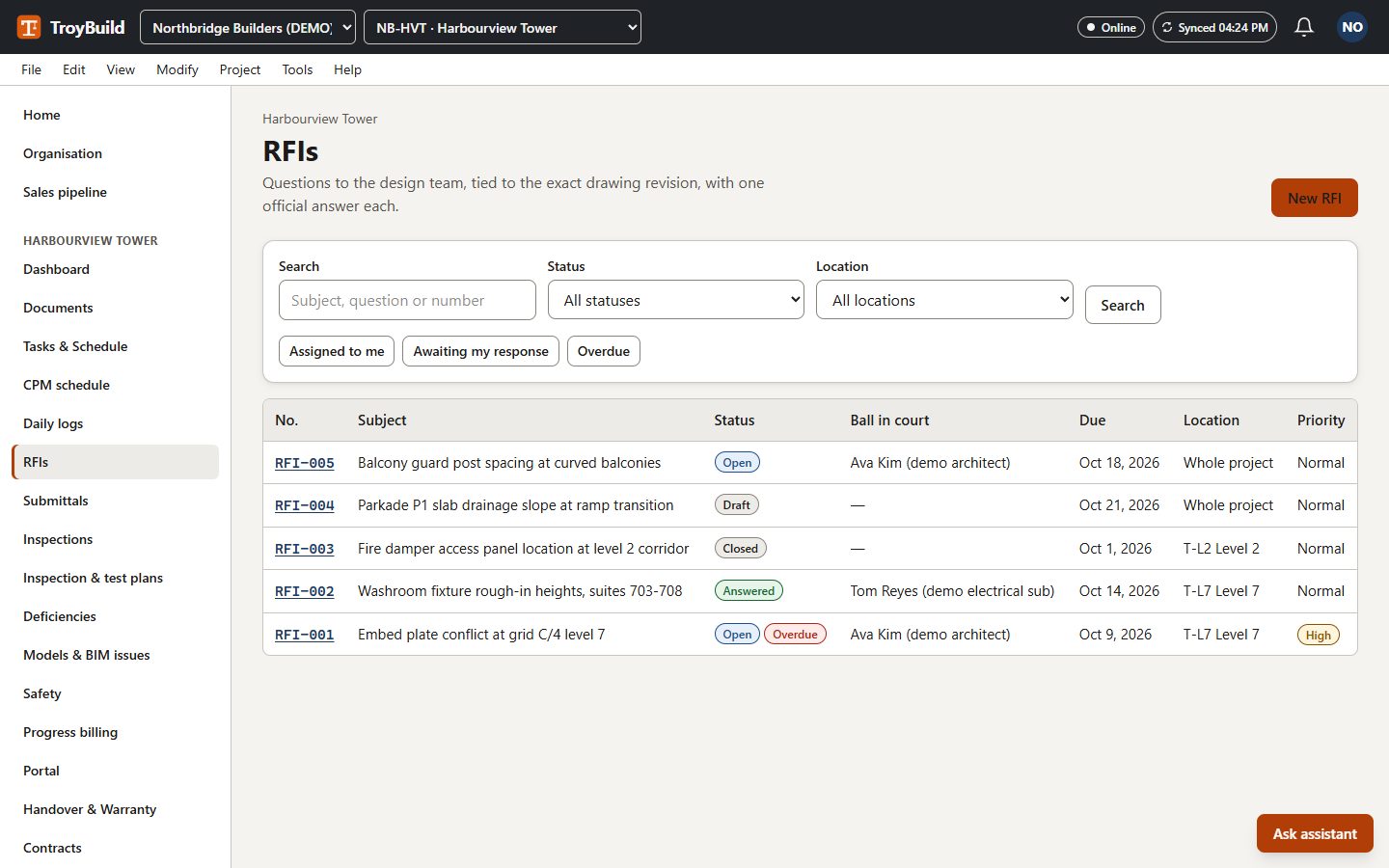
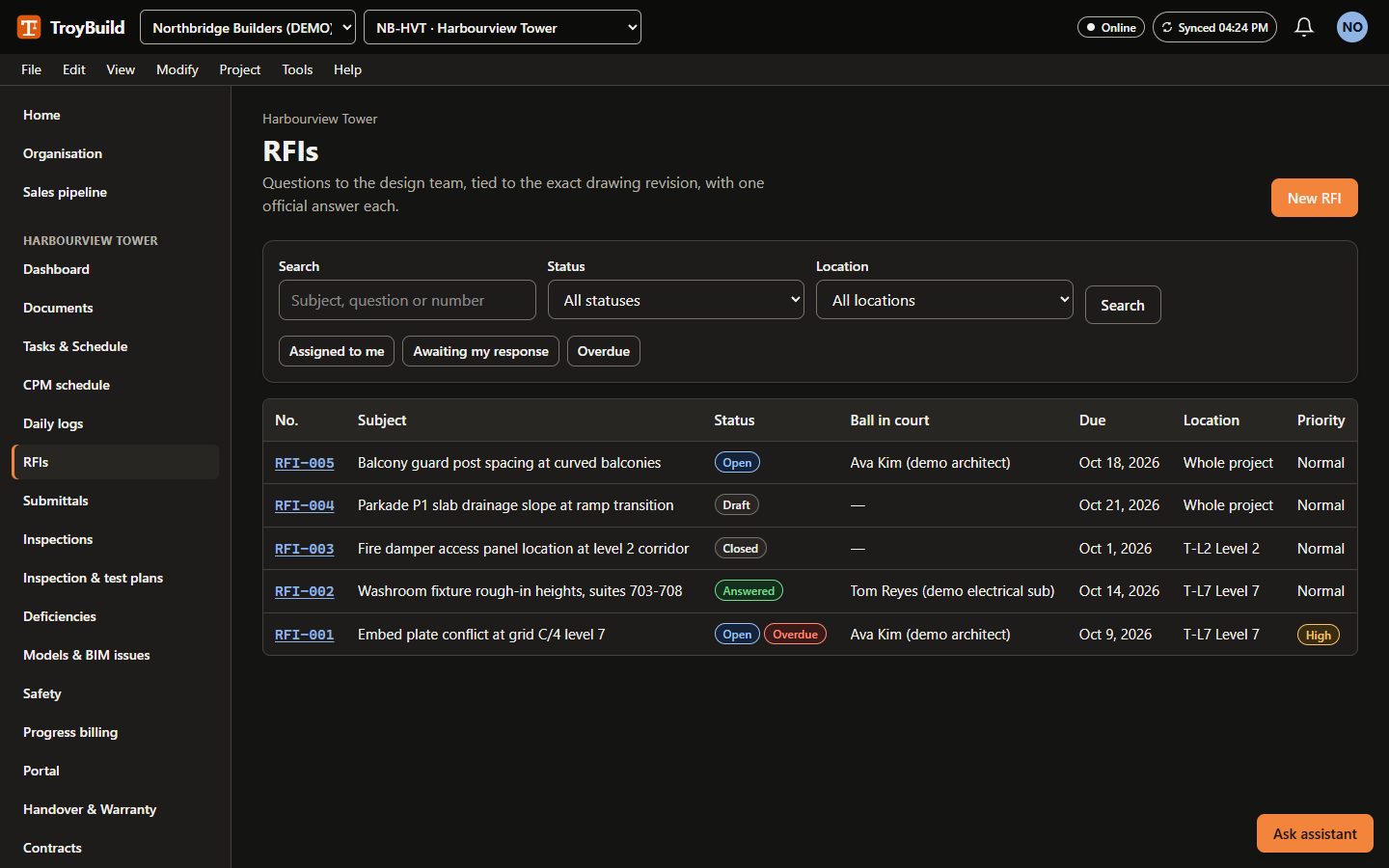
Basic and upRaise, assign and answer RFIs with ball-in-court, due dates and cost and schedule impact.
Submittals and reviews
Basic and upSubmittals with revisions, an ordered list of reviewers, due and required-on-site dates and lead times.
Open BIM and model issues
Professional and upPreview IFC models in the browser, exchange model issues as BCF 2.1 or 3.0, and import clash results.
Field
Daily logs and progress evidence
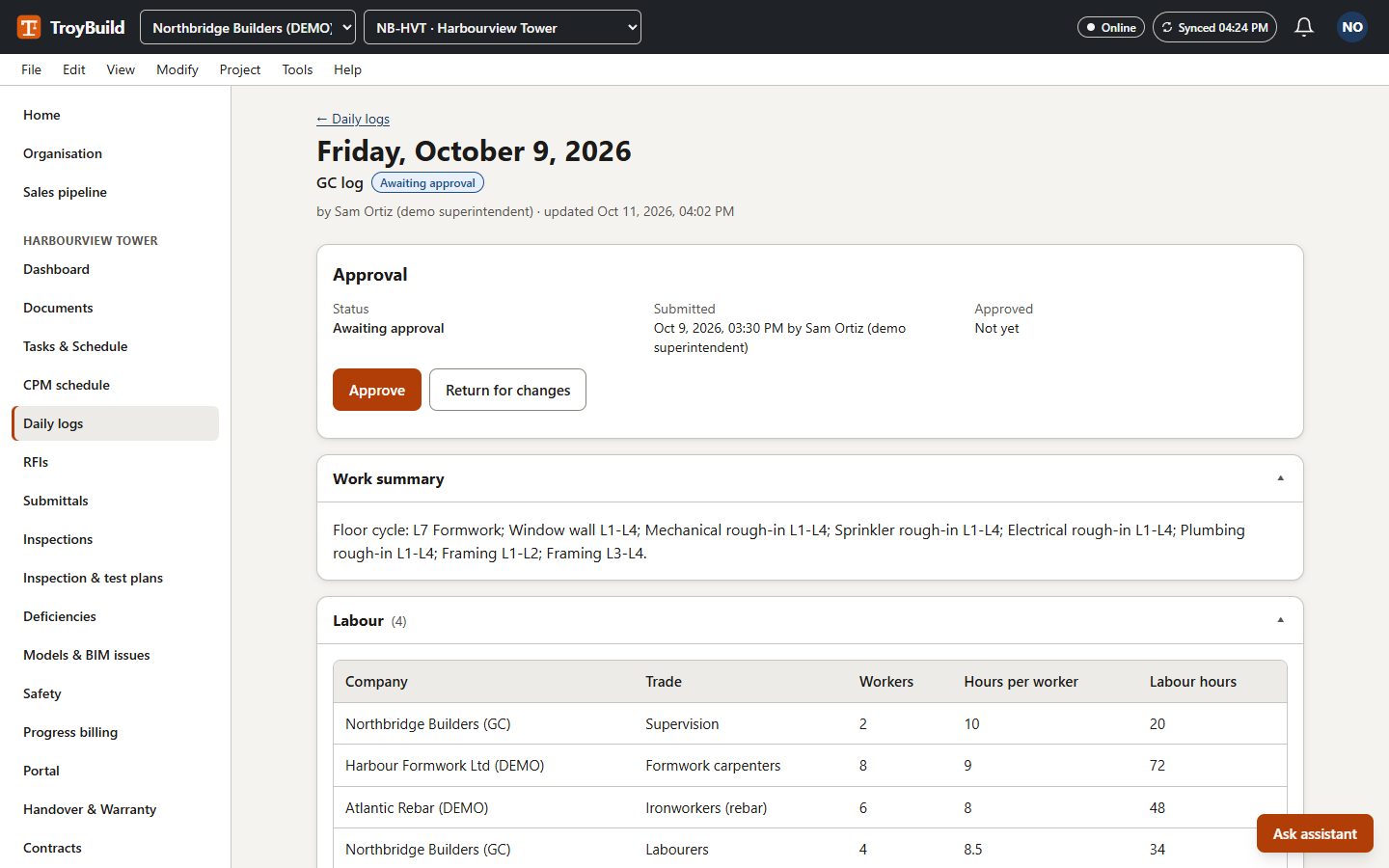
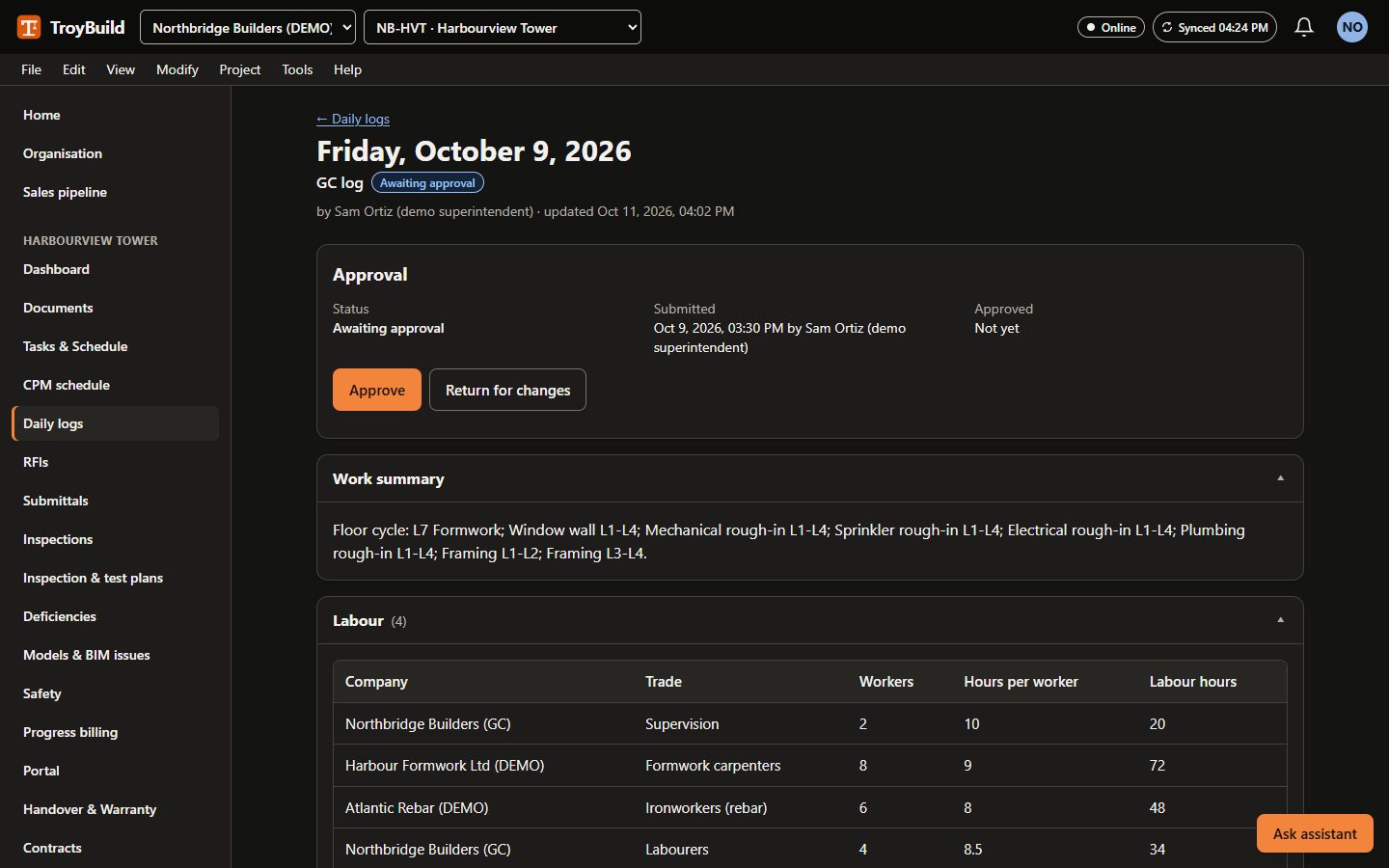
Basic and upDaily logs with crews, weather and photos (capture time and, if allowed, location). Submitted logs are amended, not overwritten.
Mobile and offline work
Basic and upWorks in a phone browser. Daily-log drafts are kept on the device while offline and synchronised when the connection returns, with a conflict screen if someone else changed the record.
Note: Reloading the page while offline shows the offline page; moving around inside the app keeps your drafts.
Workforce and time
Professional and upCrews, rates and timesheets that flow into labour cost, with amendments, productivity and a payroll export.
Equipment and site logistics
Professional and upEquipment, allocations and site resource reservations that cannot be double-booked.
Prefab and CFS production
Professional and upQR traceability for prefabricated and cold-formed steel panels: factory QA, bundles, delivery and installation.
Quality and safety
Inspections and checklists
Basic and upInspection checklists from starter templates, with segregation of duties on sign-off.
Deficiencies and issue tracking
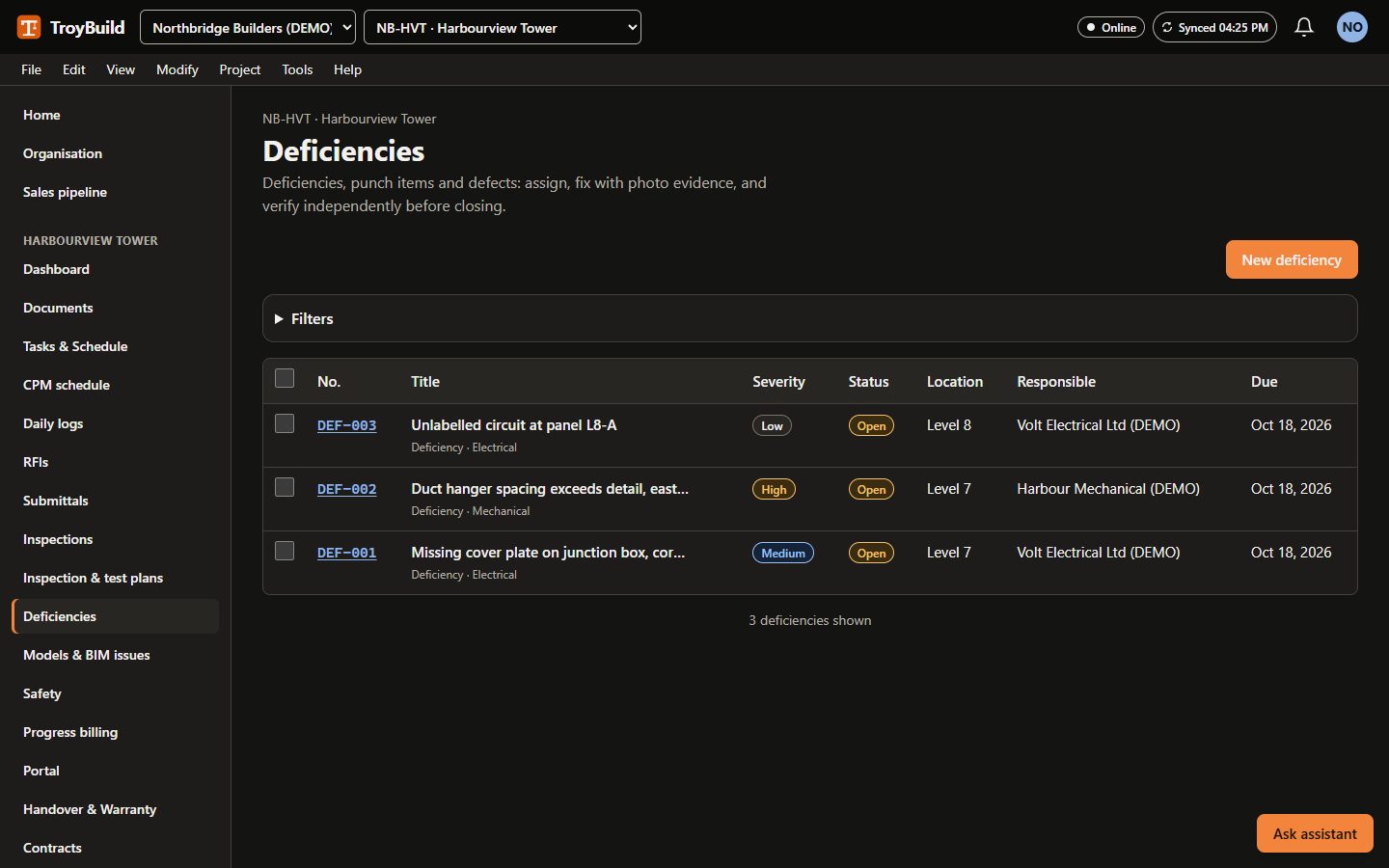
Basic and upDeficiencies with photos, locations and assignees; a fix is closed only after someone verifies it.
Essential safety records
Basic and upSafety observations, incident reports (without personal health information) and corrective actions that are verified when done.
Inspection and test plans
Professional and upInspection and test plans with hold and witness points, work and material inspection requests, non-conformance reports and test records.
Advanced safety workflows
Professional and upRisk assessments, permits to work, site inductions and incident investigations.
Commercial
Contracts and commitments
Professional and upContracts and commitments with a schedule of values and execution against a signed copy.
Change and cost controls
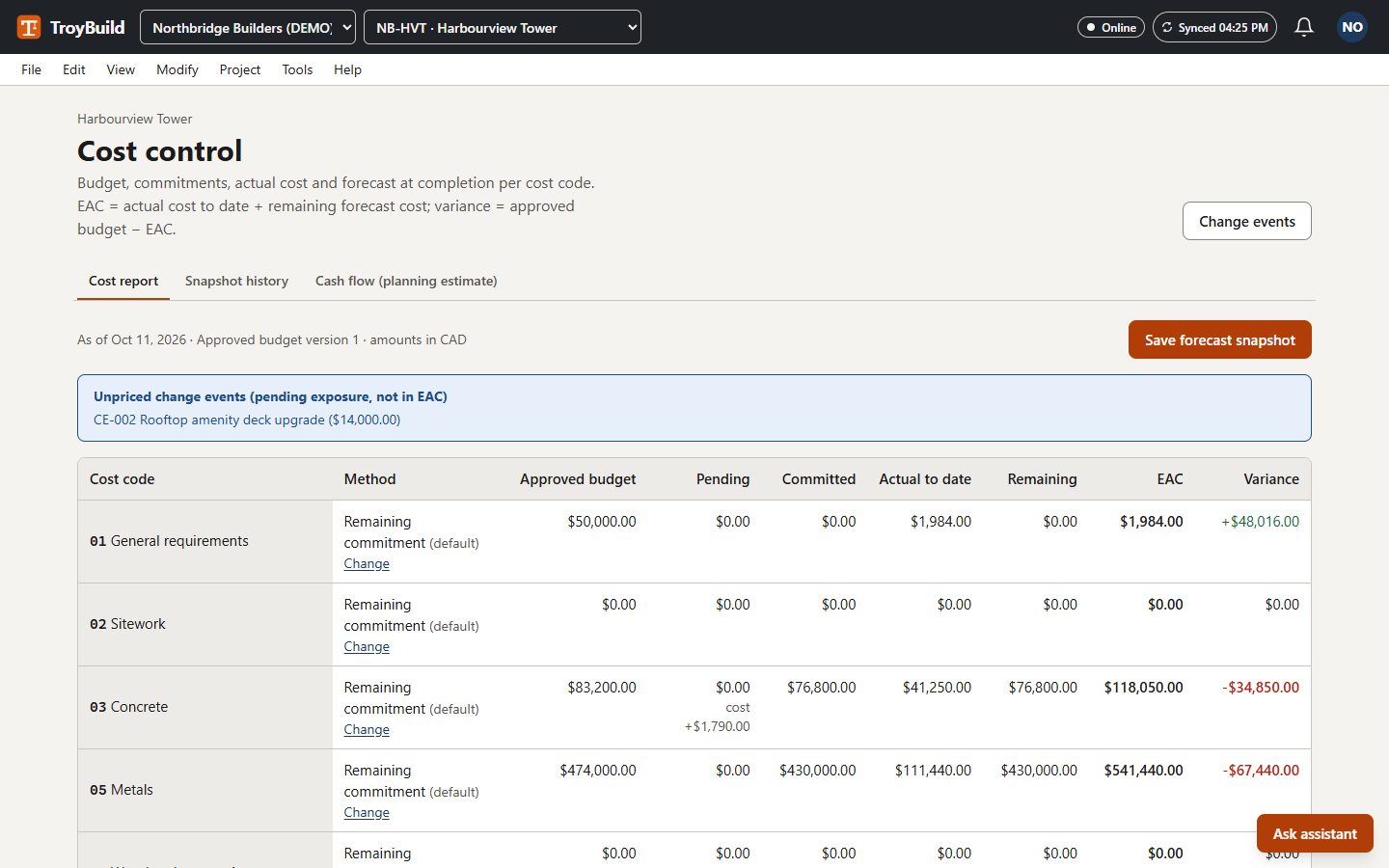
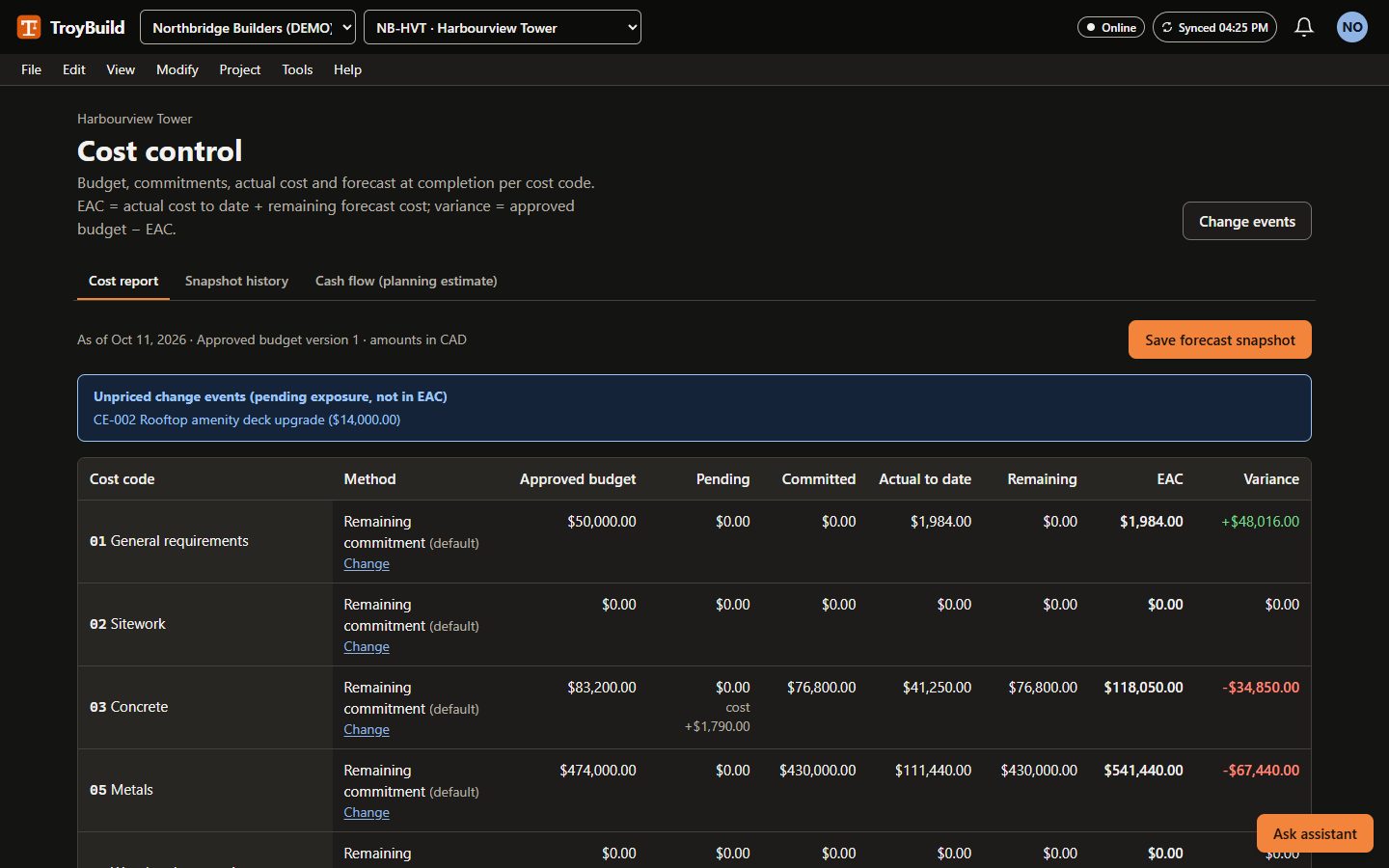
Professional and upChange orders, estimate at completion, cost snapshots and cash flow.
Progress billing and payment records
Professional and upPayment applications with review and certification by different people, and payment records.
Procurement and materials
Professional and upRequisitions, requests for quotation, quotes, purchase orders, receiving, inventory and long-lead tracking.
Residential selections and upgrades
Professional and upResidential selections and upgrades: owner decisions that feed change orders and requisitions.
Standard integrations
Professional and upScoped API keys, signed webhooks with retries, all-or-nothing CSV imports and a private calendar feed.
Note: An accounting connector for QuickBooks Online is built but needs credentials to be configured before it can be used.
Scheduling
Tasks and simple schedules
Basic and upTasks with dependencies, owners and due dates, shown on a Gantt chart.
AI schedule from drawings
Basic and upAI schedule from drawings: upload a drawing set, review the proposed activities, durations and logic with their sources, and accept the draft into Tasks & schedule. Every plan includes a monthly number of analyses.
Note: An AI-generated draft for review by a qualified scheduler; CPM views and baselines of the result need Professional.
CPM and production planning
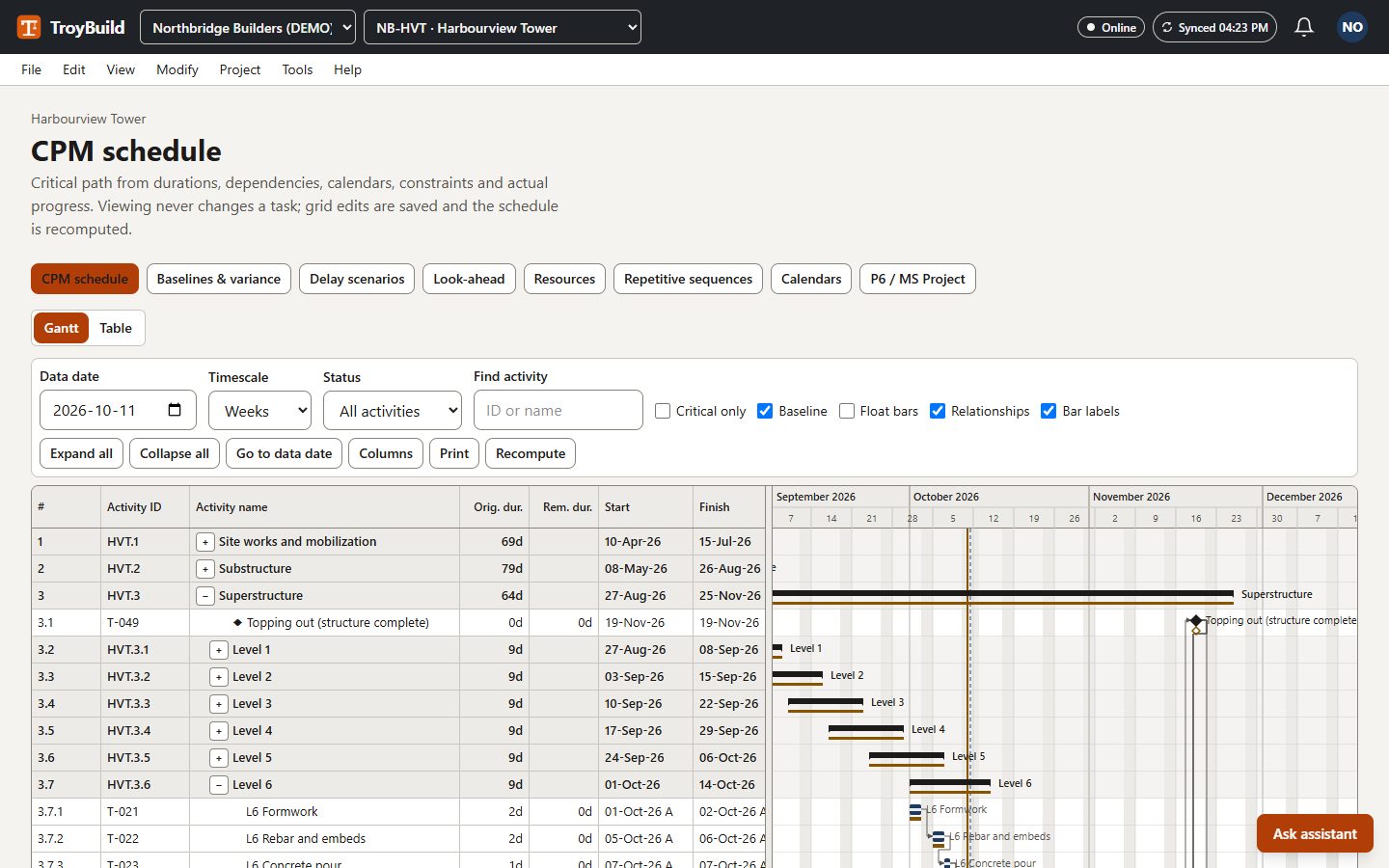
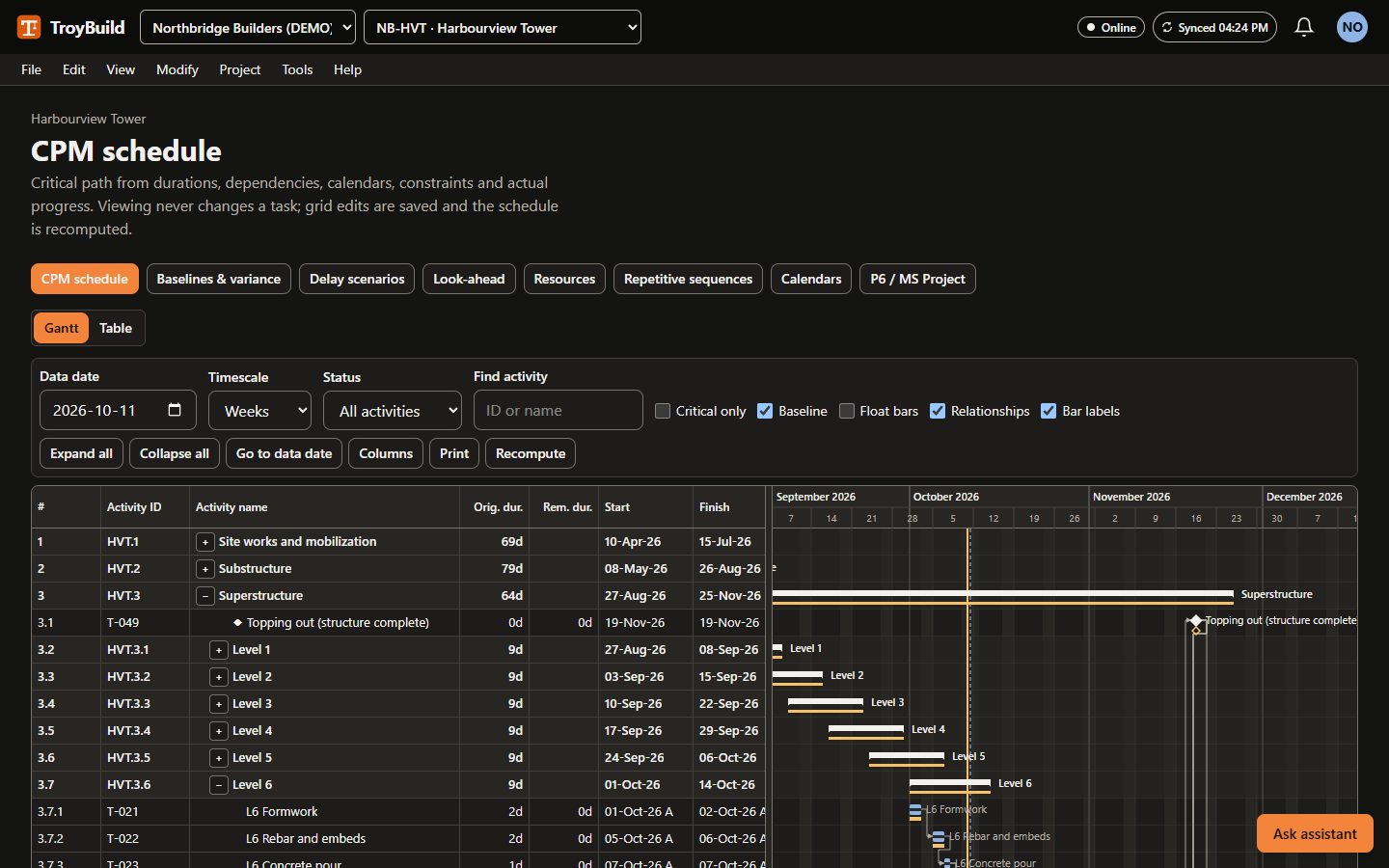
Professional and upCritical-path scheduling with work calendars, actuals, baselines, scenarios, look-ahead plans and resources, in a P6-style Gantt view.
Advanced interoperability
Ultimate and upImport and export Primavera P6 XER files and export Microsoft Project XML.
Note: Checked by round-trip tests in our own test suite; not yet verified inside Primavera P6 or Microsoft Project.
Digital twin
Ultimate and upDigital twin: record progress on the IFC model (tap elements or a whole storey, or from passed inspections), see planned versus actual by colour, and earned value (SPI, CPI, earned schedule) from the schedule and cost control. Side by side, the design model stands next to a translucent “ghost” copy in which each part turns solid once it is recorded as installed.
Note: Laser scans, point clouds, site photos and sensor feeds are not compared with the model.
Closeout
Handover and warranty
Basic and upCloseout items, warranties and service requests after handover.
Commissioning and asset handover
Ultimate and upCommissioning systems, assets and tests (the witness must be someone other than the performer), training records and readiness. Asset data exports as a COBie-oriented workbook.
Note: The workbook is validated by the product but is not a certified COBie deliverable.
Correspondence and claims evidence
Ultimate and upIssued letters are frozen with a content hash; responses are tracked; decisions go into an append-only register; claims evidence bundles are hashed and can be verified.
Enterprise and portfolio
Search, dashboards, and exports
Basic and upSearch that respects record-level permissions, project dashboards and exports.
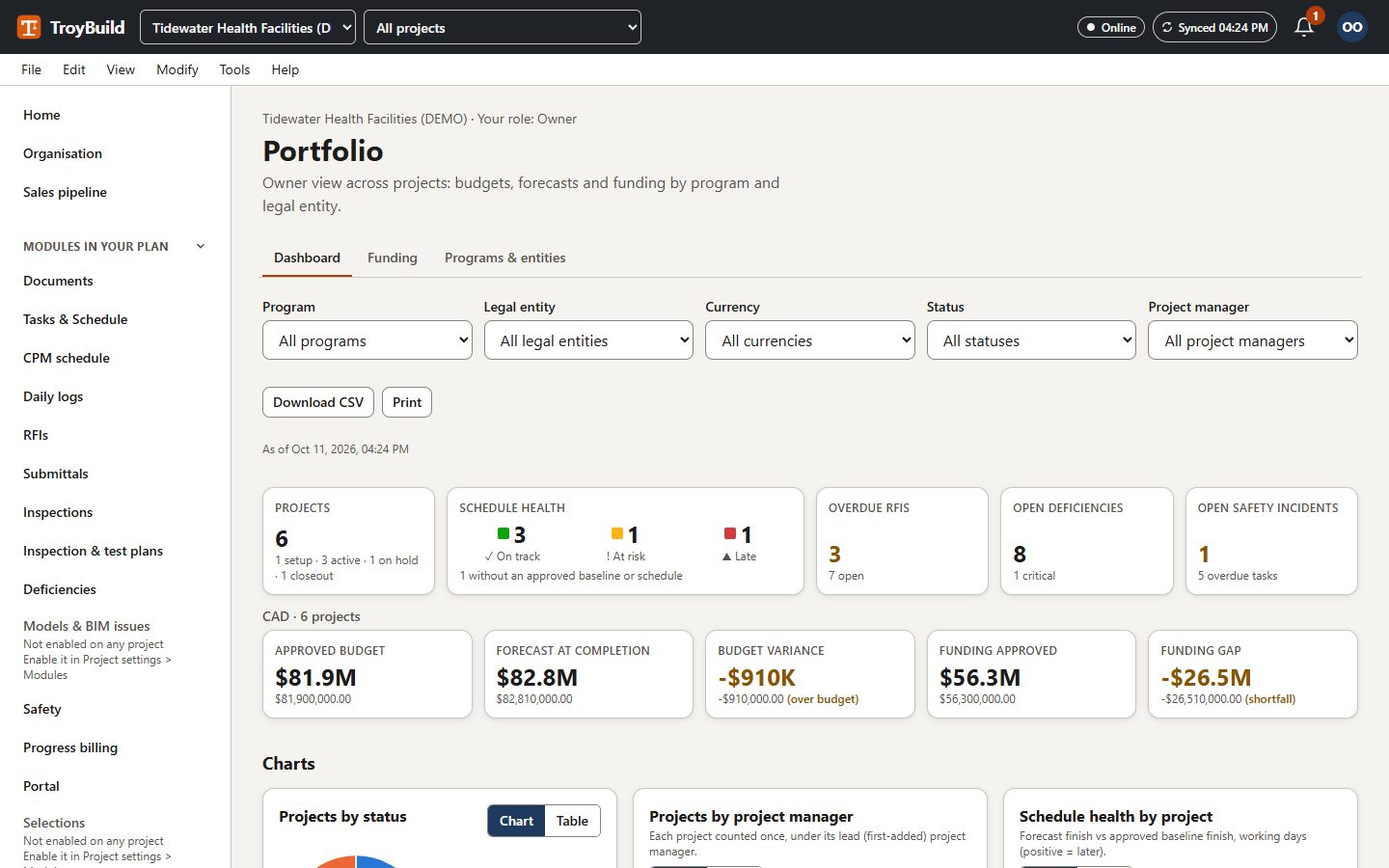
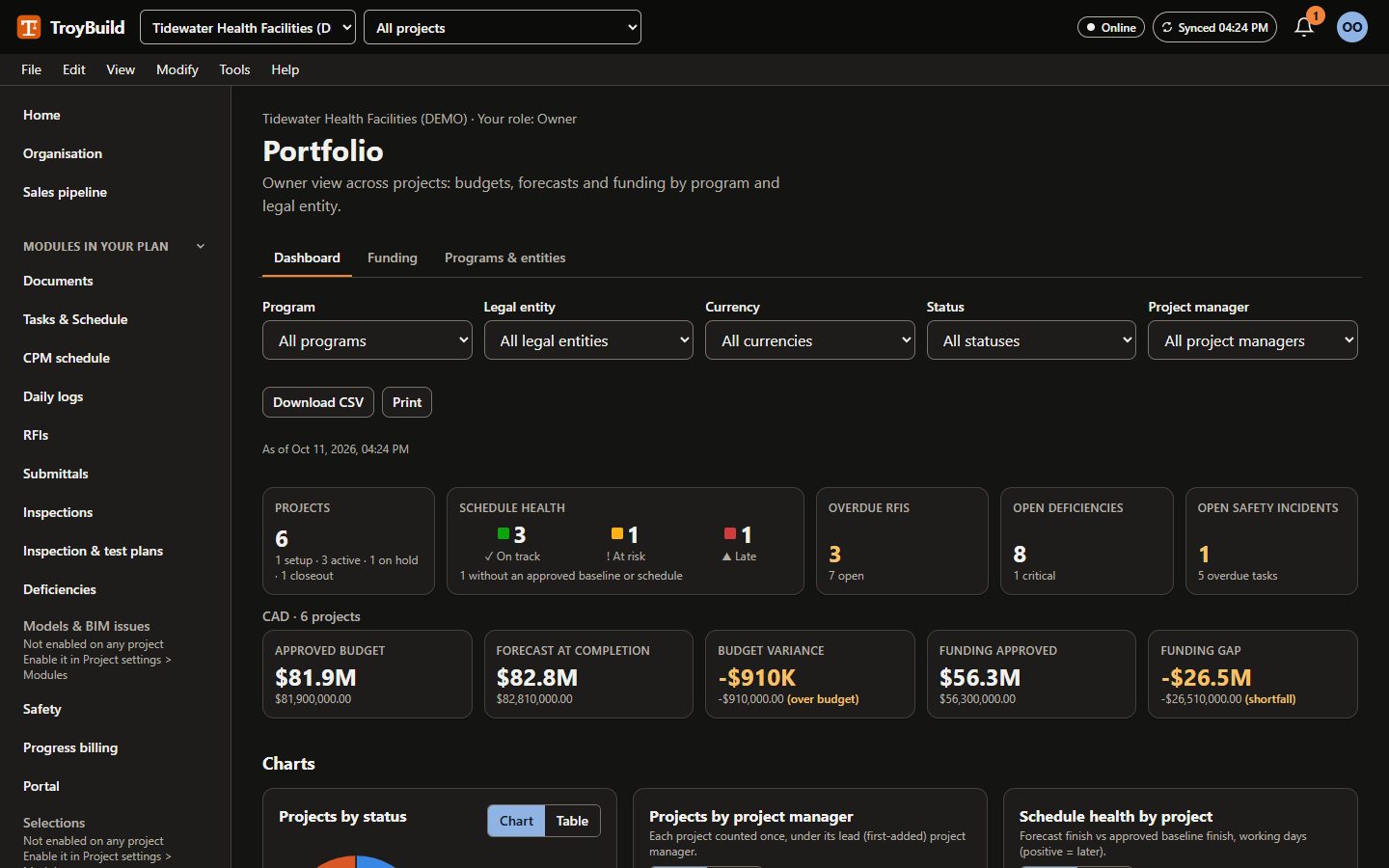
Owner and portfolio controls
Ultimate and upPrograms, legal entities and funding approvals, with portfolio roll-ups per currency.
Vendor qualification and records
Ultimate and upVendor requirements, expiring documents and qualification decisions, enforced when inviting to tender, awarding and executing contracts.
Configurable workflows
Ultimate and upVersioned forms and custom fields, approval routes that can only add control, delegated authority and escalation.
Identity and governance
EnterpriseSingle sign-on (OIDC or SAML), SCIM user provisioning, IP allowlists, session policy, retention rules, legal holds and audit export.
Enterprise operations and scale
EnterpriseDurable background jobs, readiness and metrics endpoints, rate limits and an operations job view.